Licence Key Not Being Retained - Litespeed Cache
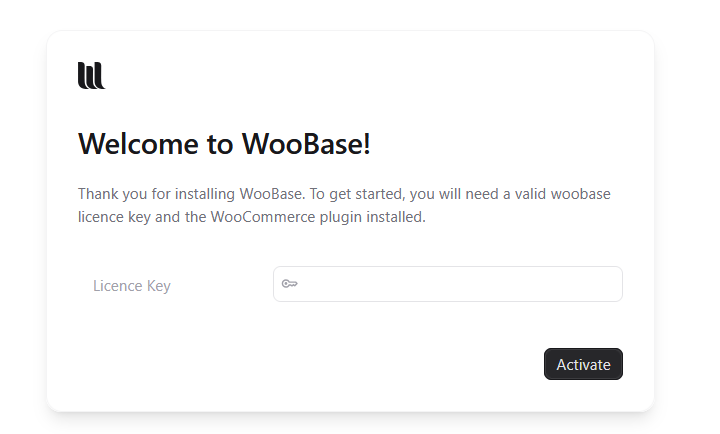
With a new install of 1.0.11 on a site not recognised as a development site I was prompted for a licence key.
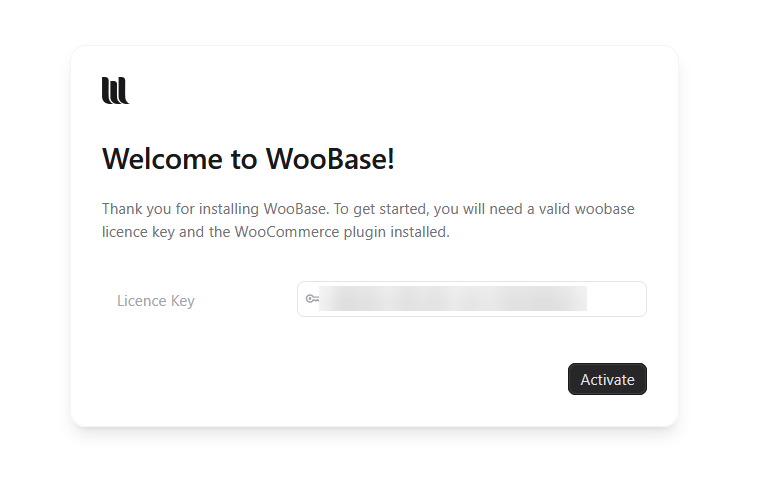
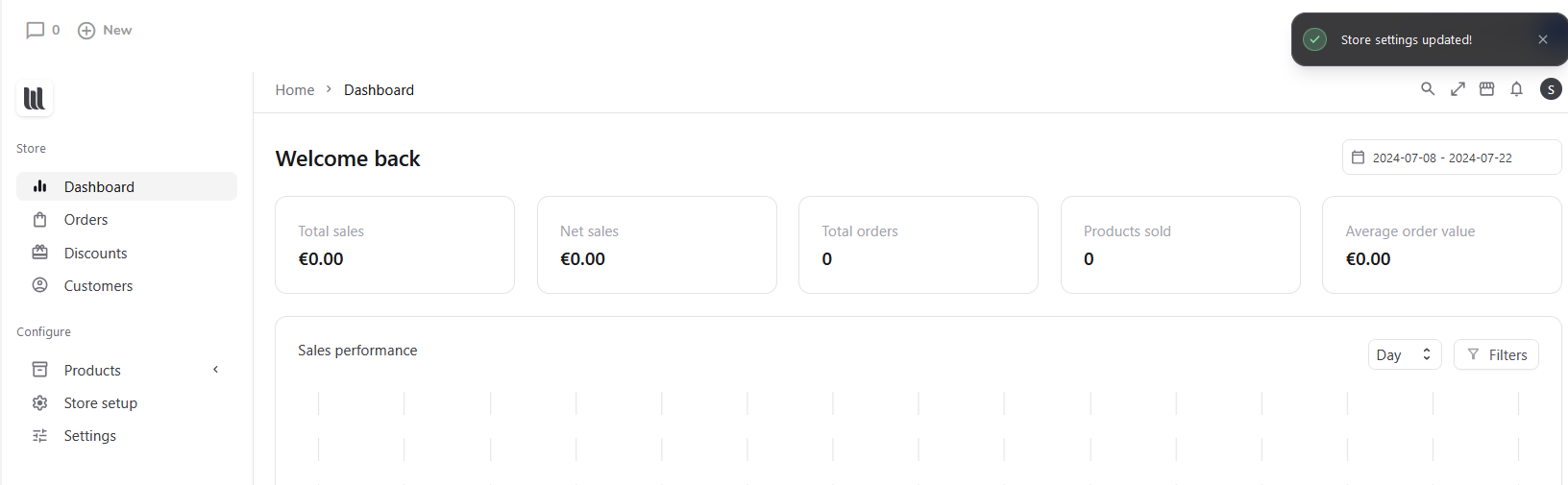
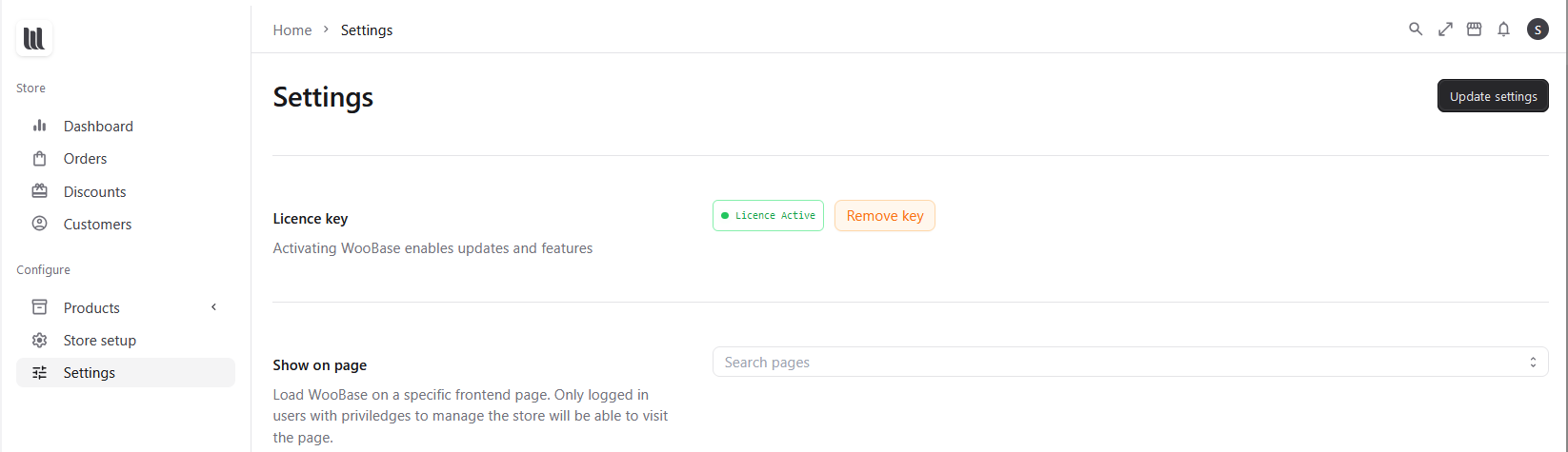
When entering the licence key it is not visible in store setting and licence appears inactive.
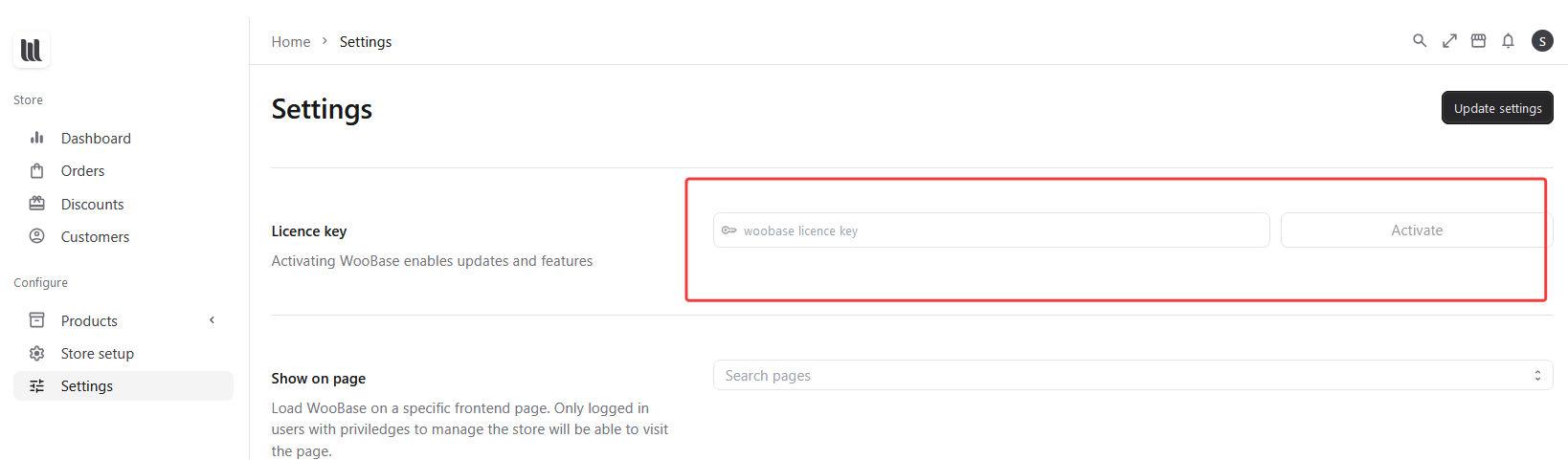
Enter the licence key in store settings and the licence is active
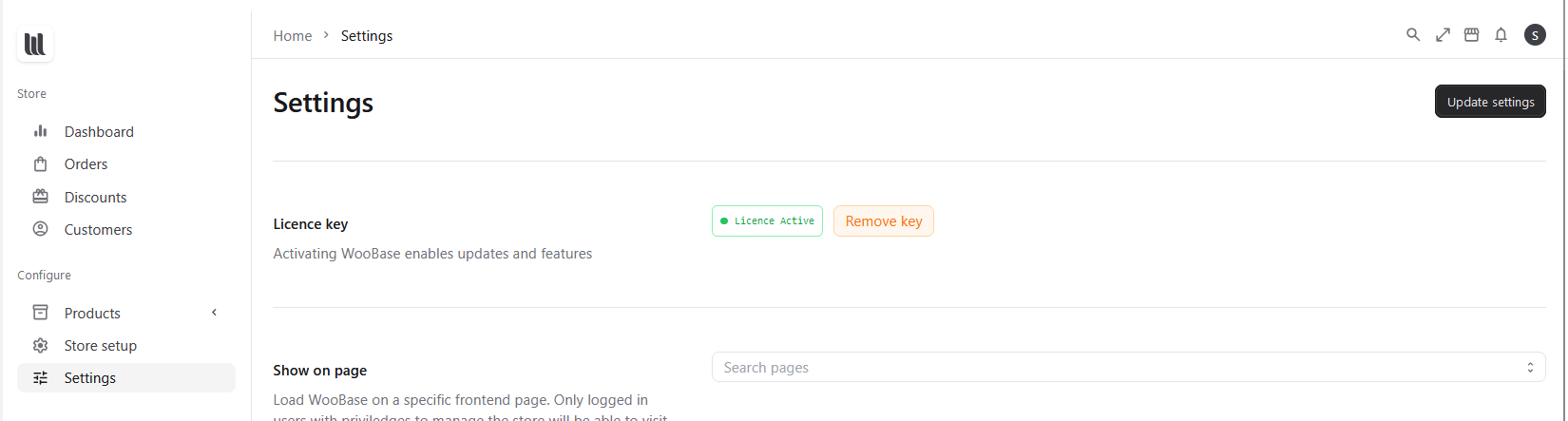
Navigate away from Woobase then back again and prompted once again for the licence key
Disable Litespeed Cache plugin and navigate to Woobase the shop loads immediately and the licence is active
Is this something that is possible to bypass with Woobase? Or are you able to confirm which parts of Woobase should be excluded from Cache?
Status: Rejected
No comments yet
Be the first to share your thoughts.